


.jpg.5b51b6fafad6c900e16231e968f6067e.jpg)
Quick Access
Give your IPS community a faster and more organized way to access important pages, resources, and tools.
Help members find what they need faster with personal shortcuts, pinned links, and customizable quick access menus.
With flexible permissions and multiple display options, Quick Access improves navigation for both your team and your community members.
Why Quick Access?
Large communities usually have many important pages:
rules, support sections, dashboards, resources, external tools, and frequently used areas.
But over time, members often struggle to find these pages quickly.
Quick Access solves this by providing a centralized and customizable access point where users can keep their most important links available anytime.
Key Features
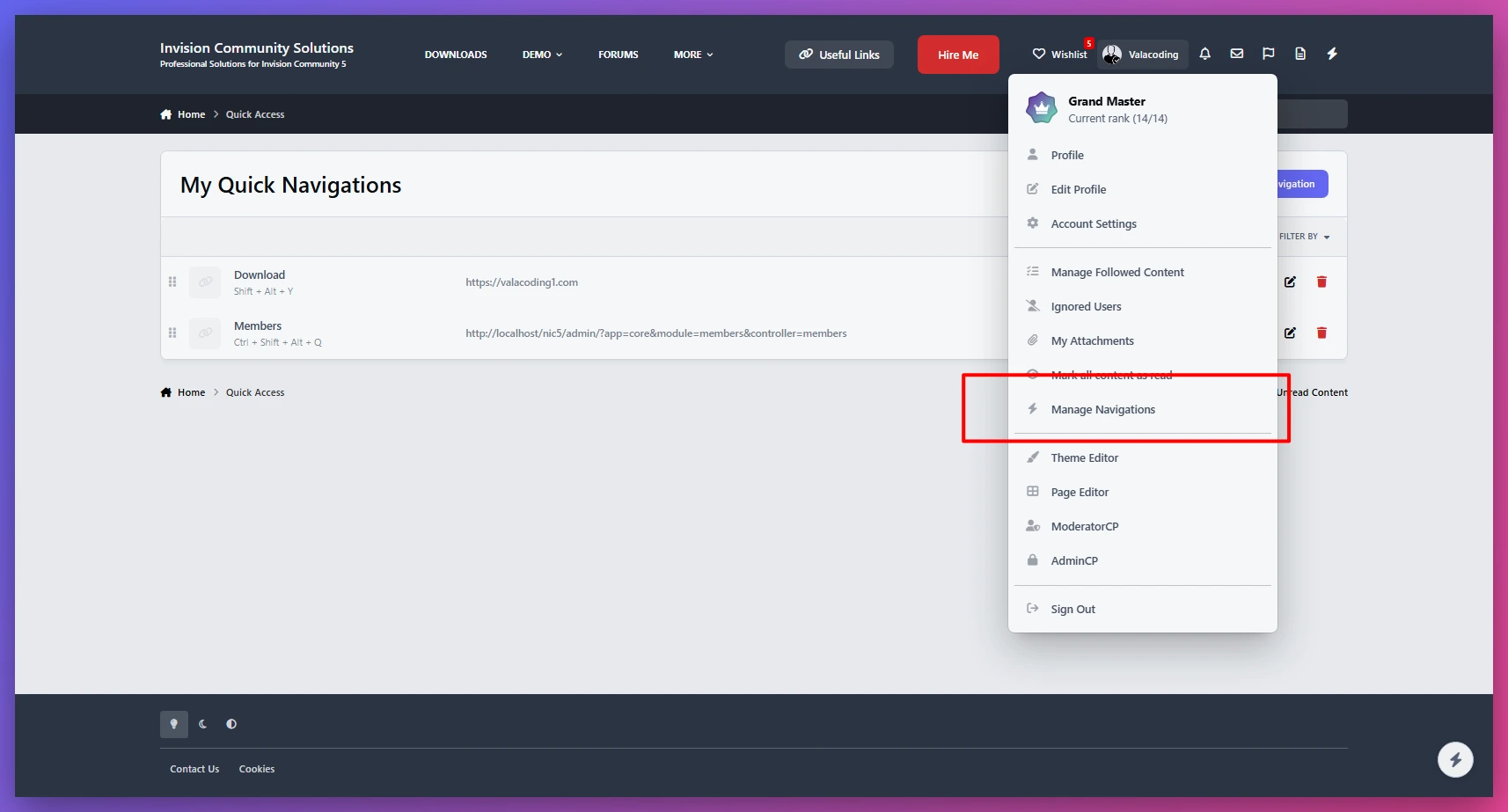
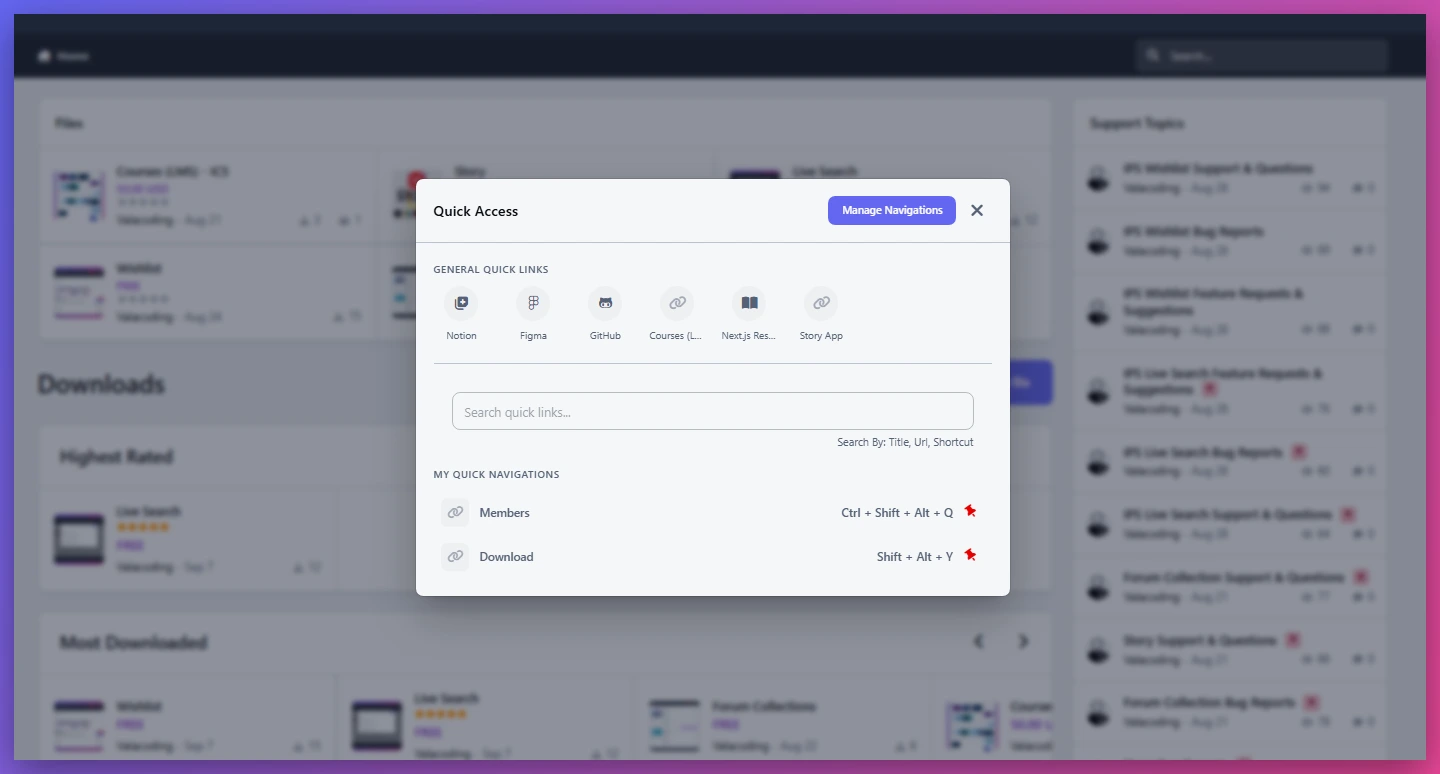
🚀 Personal Quick Links for Members
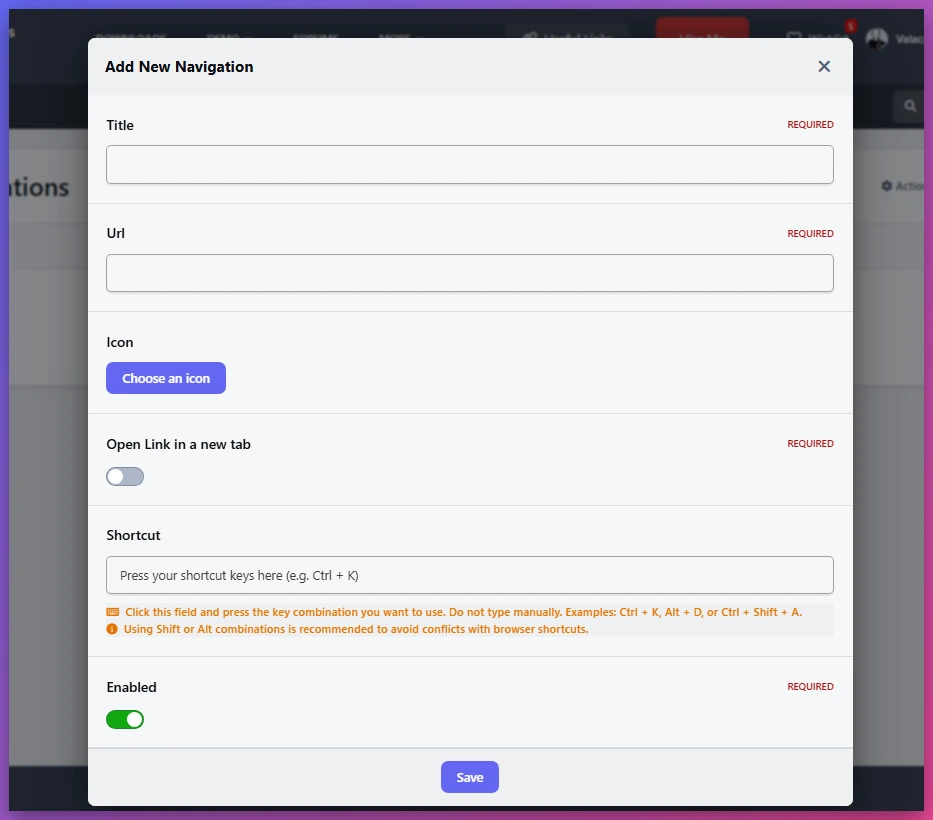
Allow users to create their own shortcuts to frequently visited pages.
Perfect for:
Favorite topics
Important forums
External resources
Frequently used tools
⭐ Pin Important Links
Members can pin their most useful links and access them faster without searching again.
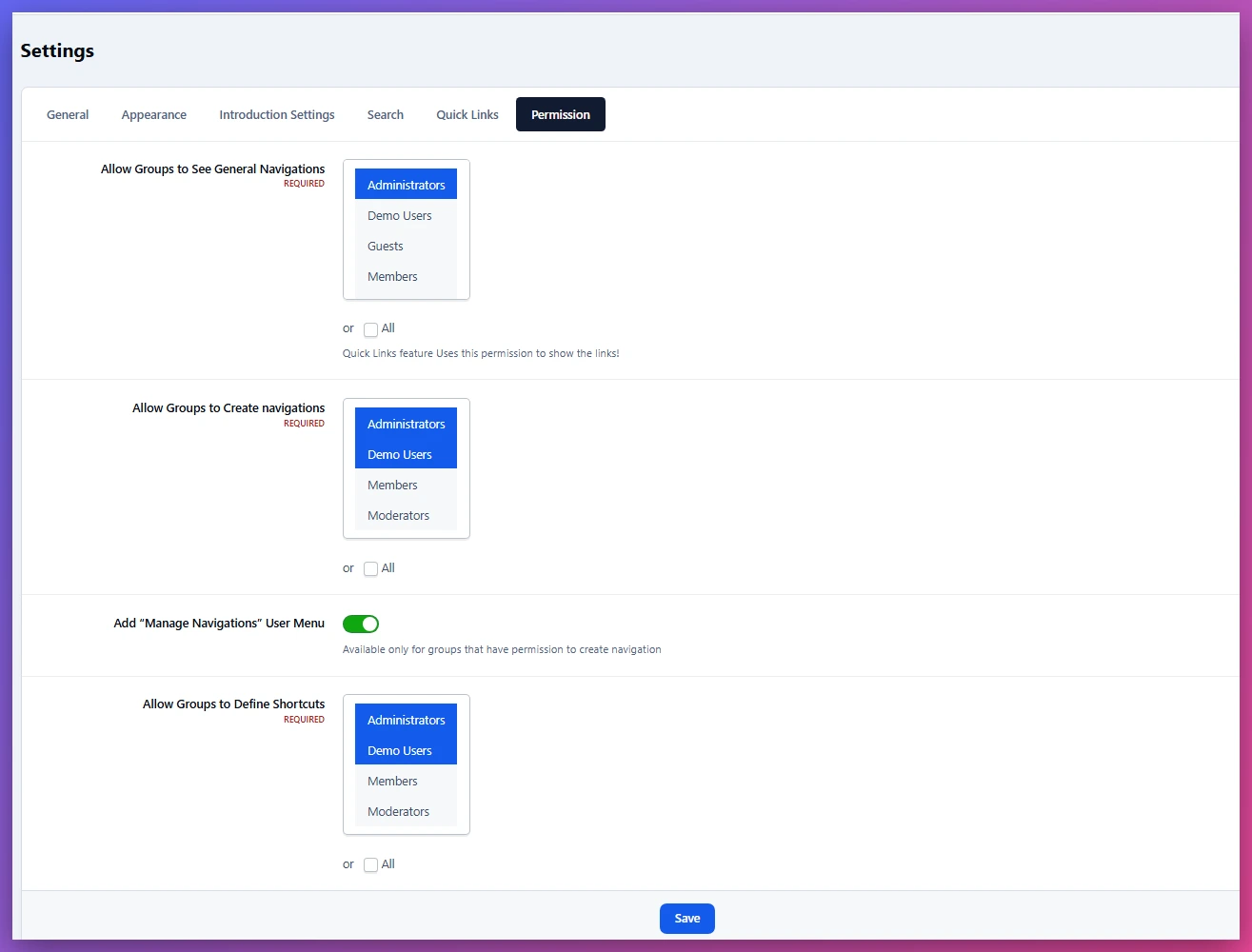
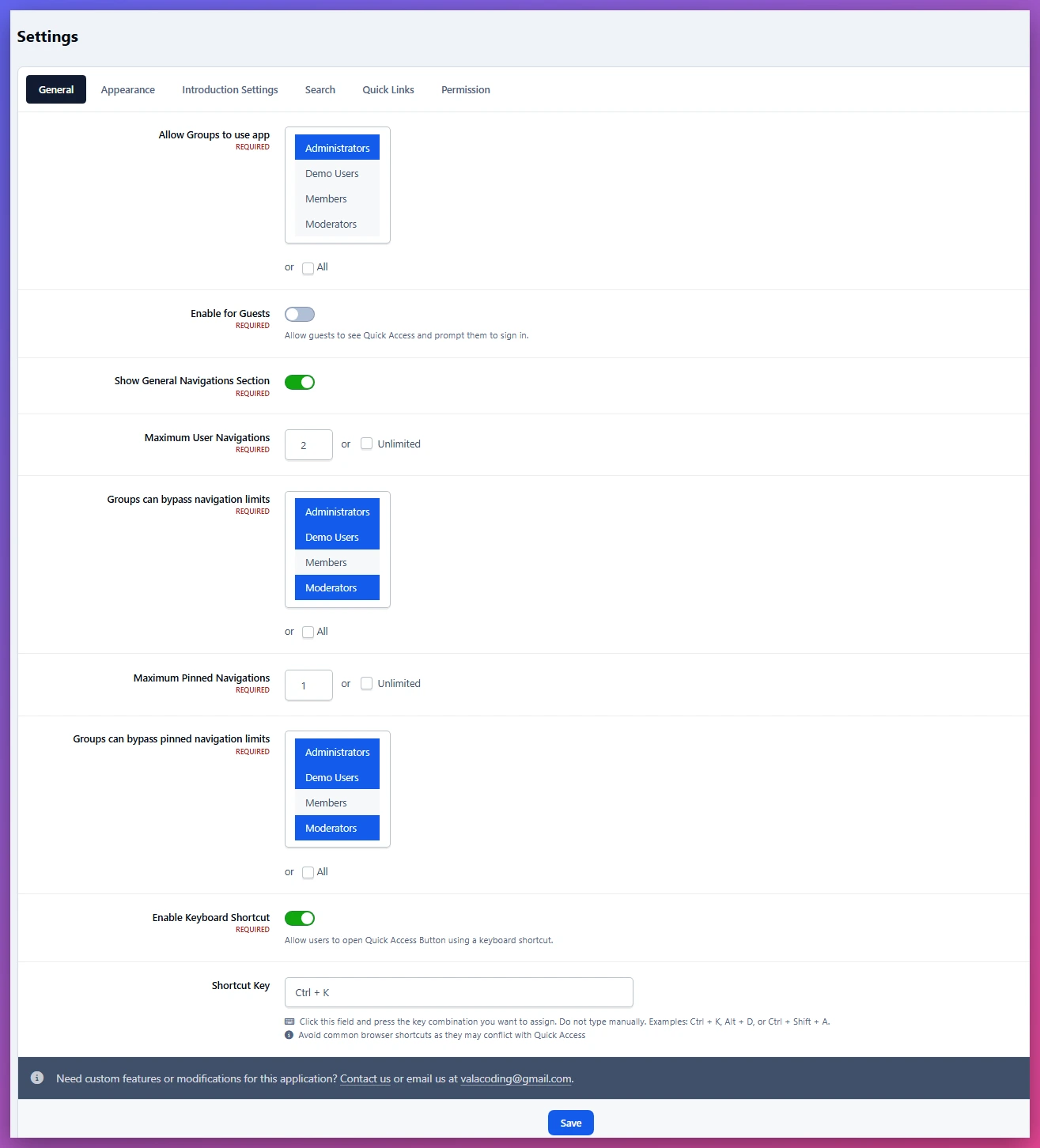
🔐 Advanced Permission Control
Control exactly who can use each feature.
Manage permissions for:
Using Quick Access
Creating personal links
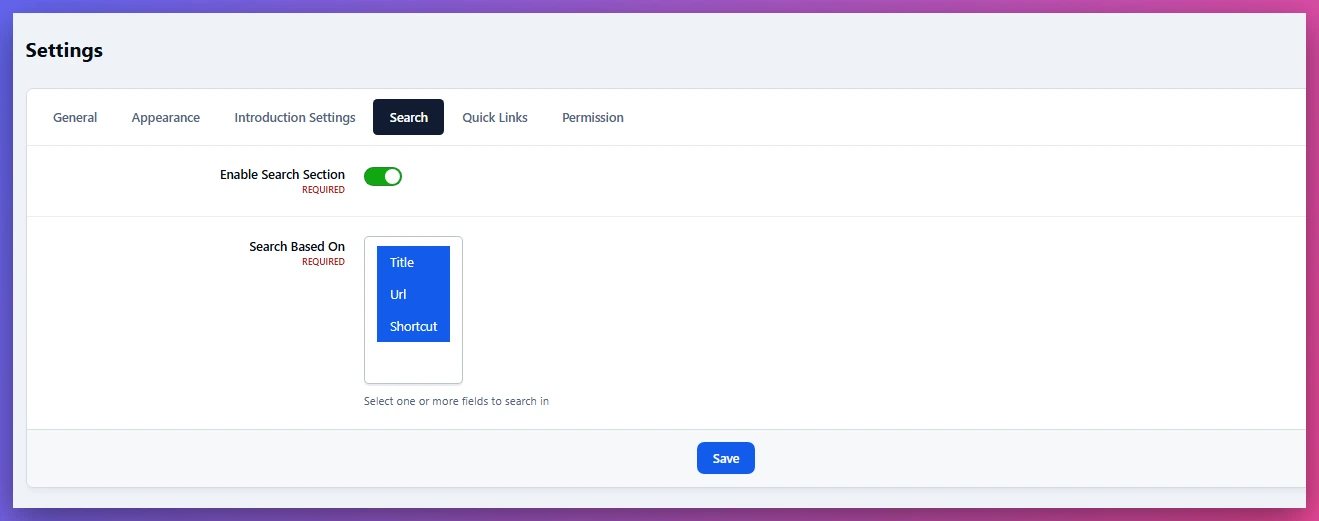
Using keyboard shortcuts
Viewing general links
Based on member groups.
⌨️ Keyboard Shortcuts
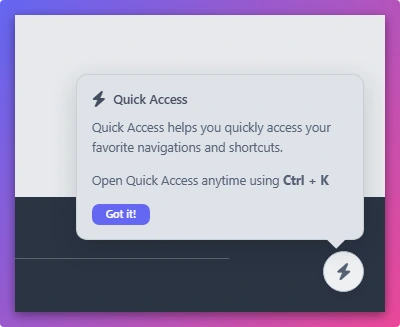
Give power users a faster way to open Quick Access with customizable shortcuts.
Shortcut access can be controlled by permissions.
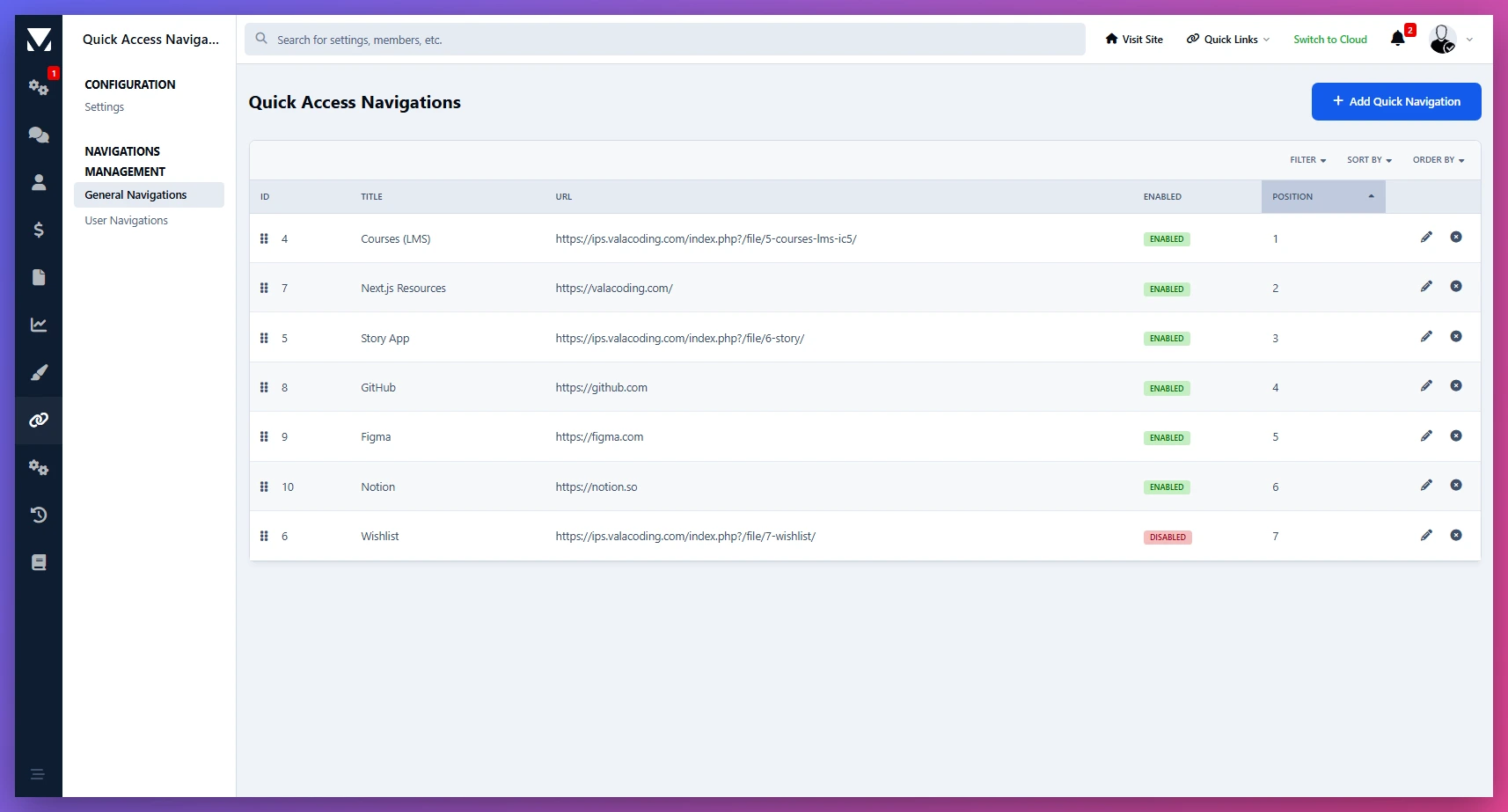
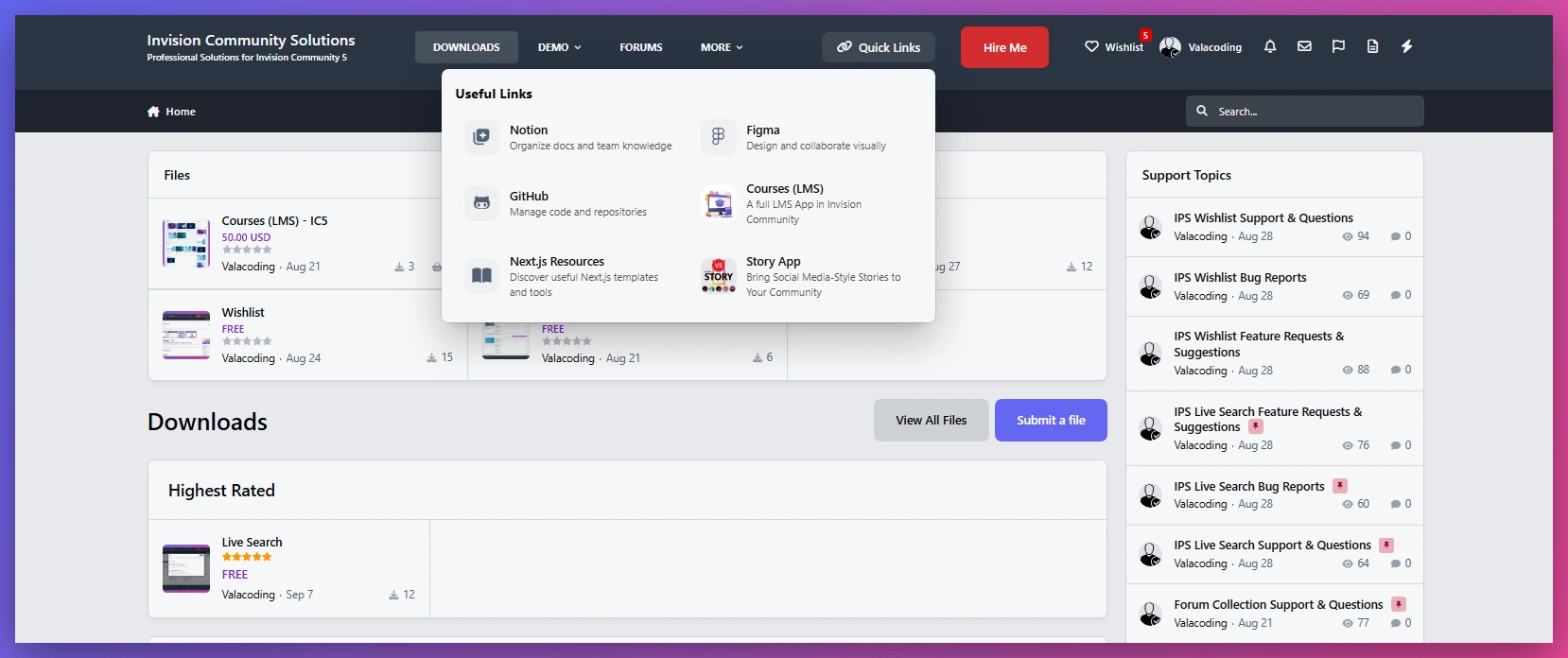
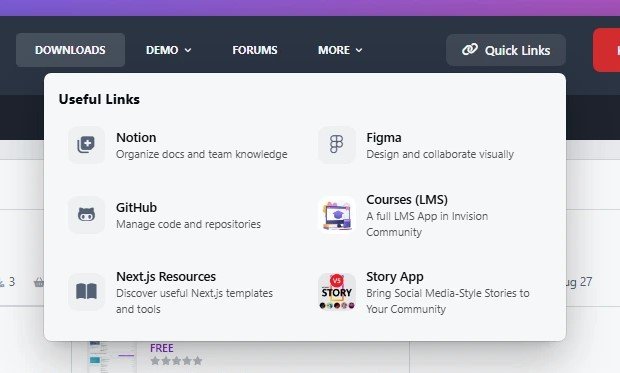
📌 General Links Management
Create shared links for your entire community.
Useful for:
Rules & guidelines
Support pages
Important announcements
External services
Community resources
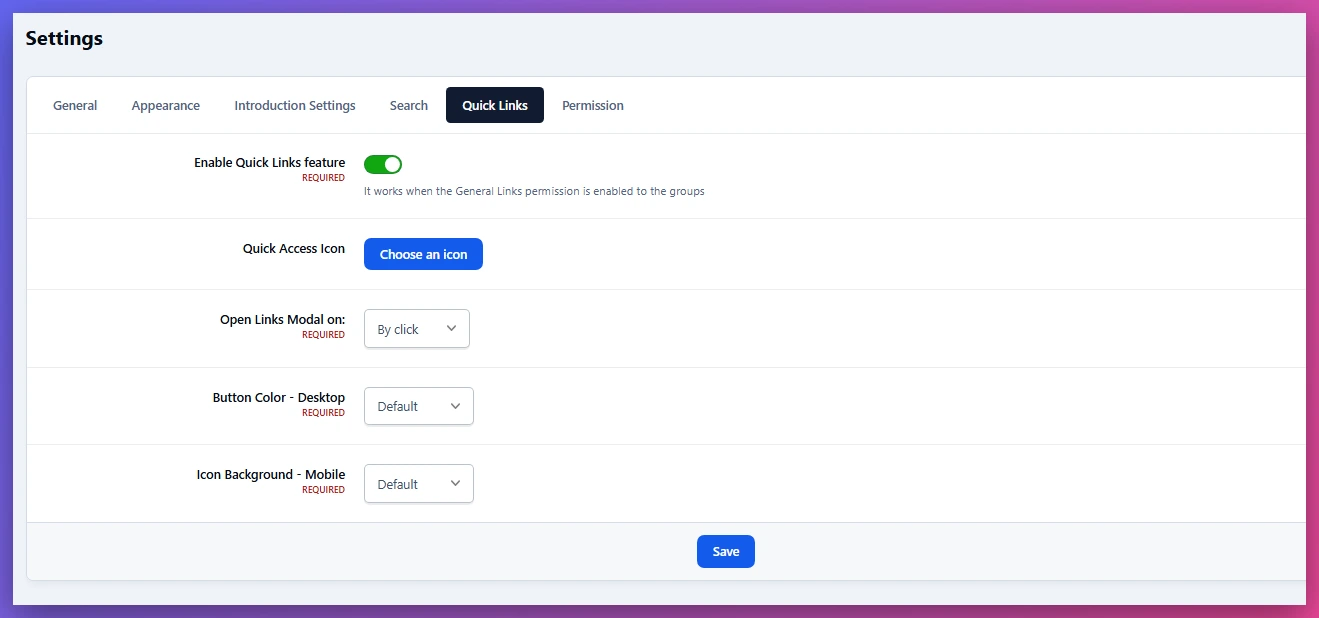
🔗 Quick Links Integration
Quick Links works together with Quick Access but can also be used as a standalone free feature.
Create a simple navigation area for common links without requiring the full Quick Access experience.
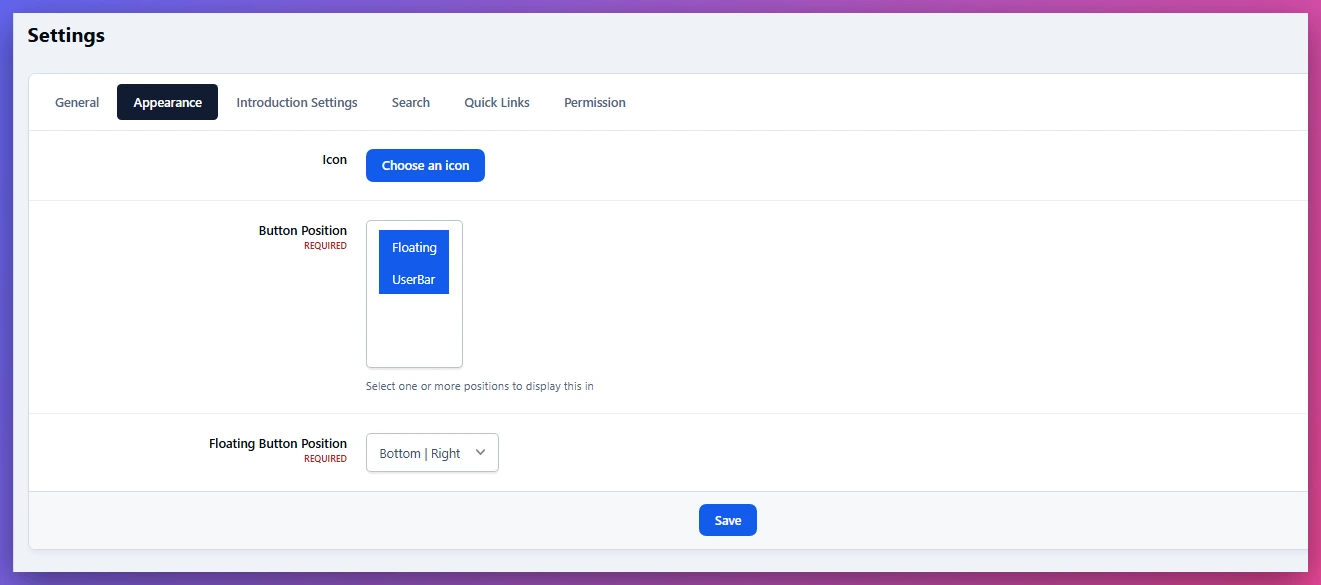
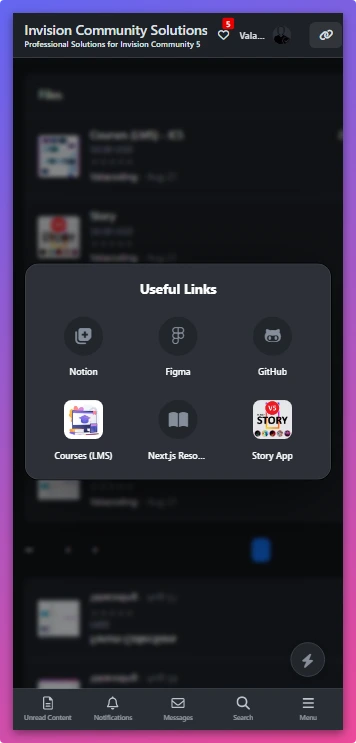
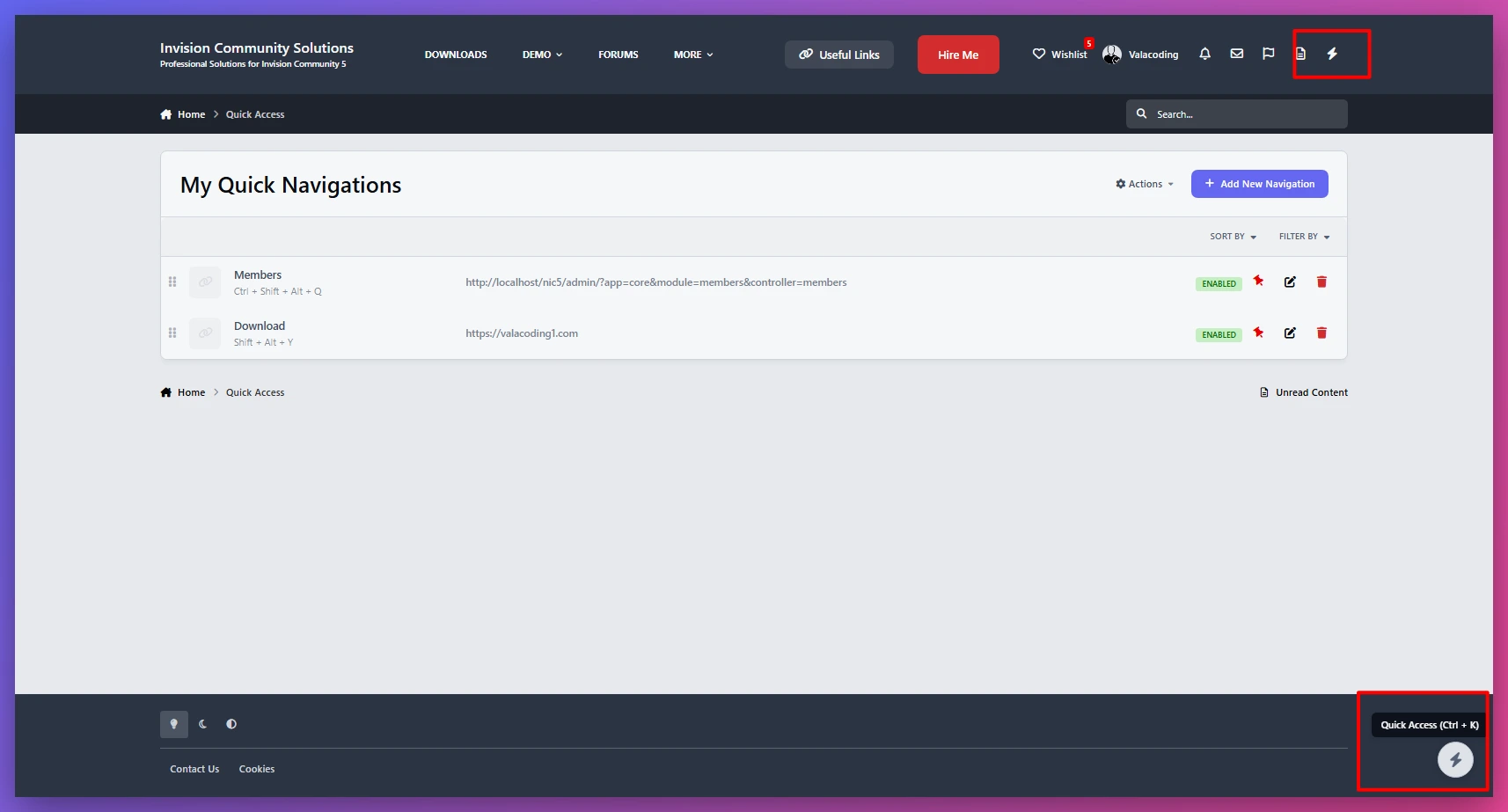
🖥 Flexible Display Options
Choose how Quick Access appears on your website:
User bar integration
Floating button
Responsive mobile experience
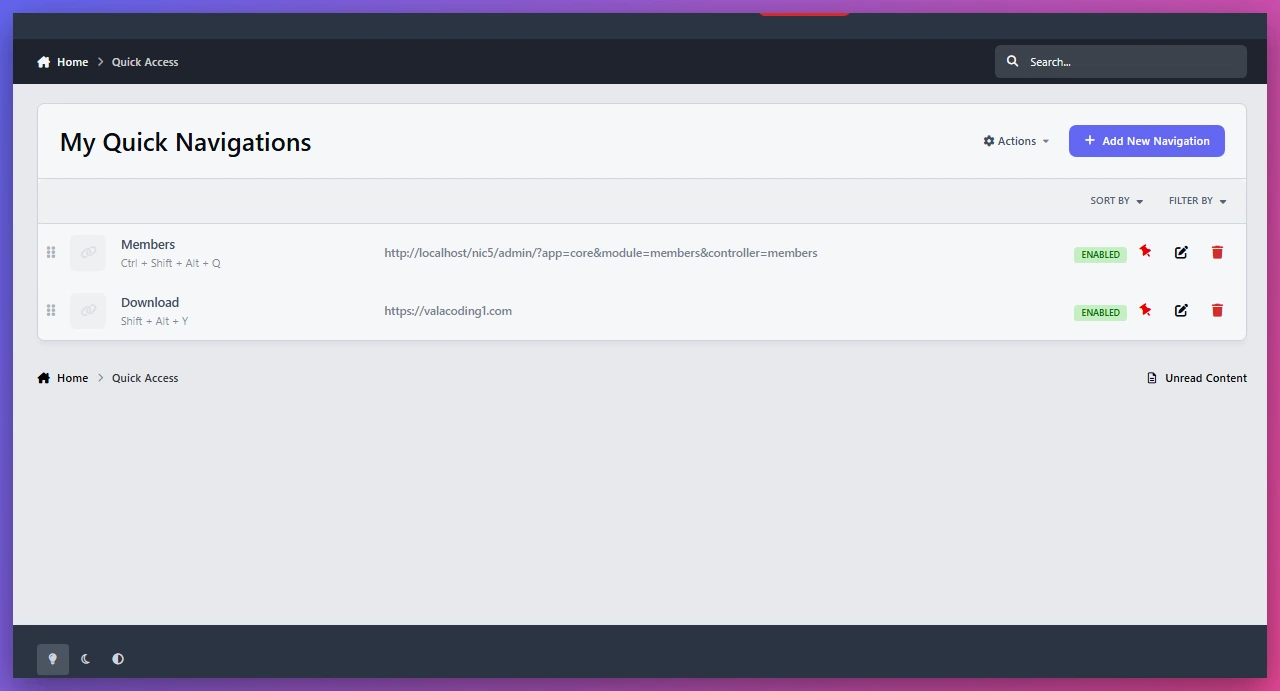
🛠 Admin Link Management
Administrators can easily create, edit, organize, and sort community links from the AdminCP.
↕️ Drag & Drop Sorting
Quickly organize links and control their display order with simple sorting.
Perfect For
Community Owners
Improve navigation and make important resources easier to discover.
Moderators & Staff Teams
Keep frequently used management tools and internal resources accessible.
Members
Create a personalized shortcut area for their own favorite pages.
Built For Modern Communities
Quick Access helps transform scattered links and frequently used pages into a clean, organized, and personalized experience.
What's New in Version 1.0.0
Released
ACP screenshot added
-
 1
1
You may only provide a review once you have downloaded the file.
There are no reviews to display.